3D Animakers Logo
Doodle Avatar

What is Blender?

An awesome FREE software to build 3D worlds. Think of it as digital clay where you can create characters, vehicles, and animations!

Let's watch the intro! 🎥

Main Mission

Get familiar with Blender's buttons & menus (UI) so you don't get lost when modeling.

Skills To Unlock

  • Pro 3D navigation.
  • Mouse mastery (Pan, Orbit, Zoom).
  • Adding basic shapes (Cube, Sphere, etc.).

Meet the Workspace (UI)

Hover the cards to reveal, then click the image to view full screen! 🔍

1

Toolbar

(Left Side)

Toolbar

Blender Toolbar

Tools to move, rotate, scale.

2

Viewport

(Center Stage)

Main Stage

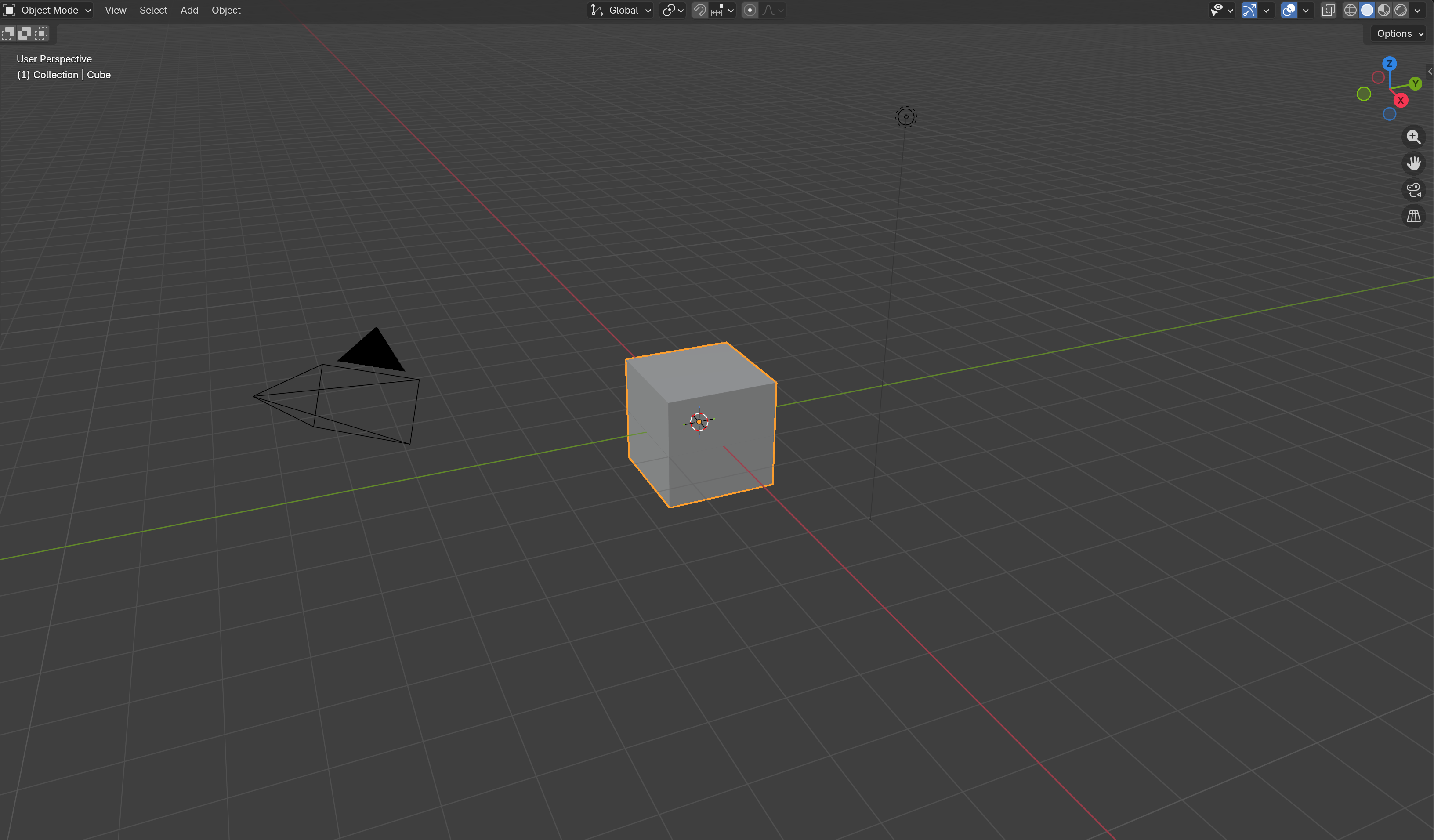
Blender Viewport

View and interact with 3D models.

3

Outliner

(Top Right)

Inventory

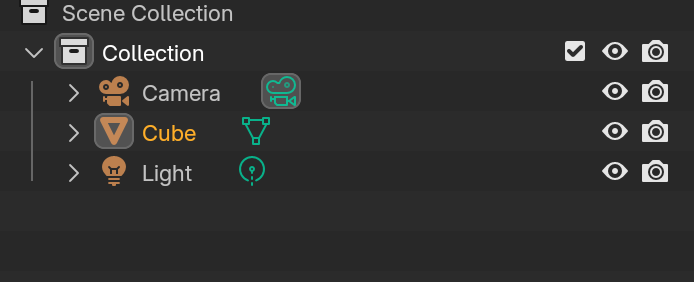
Blender Outliner

List of everything in your scene.

4

Properties

(Bottom Right)

Config

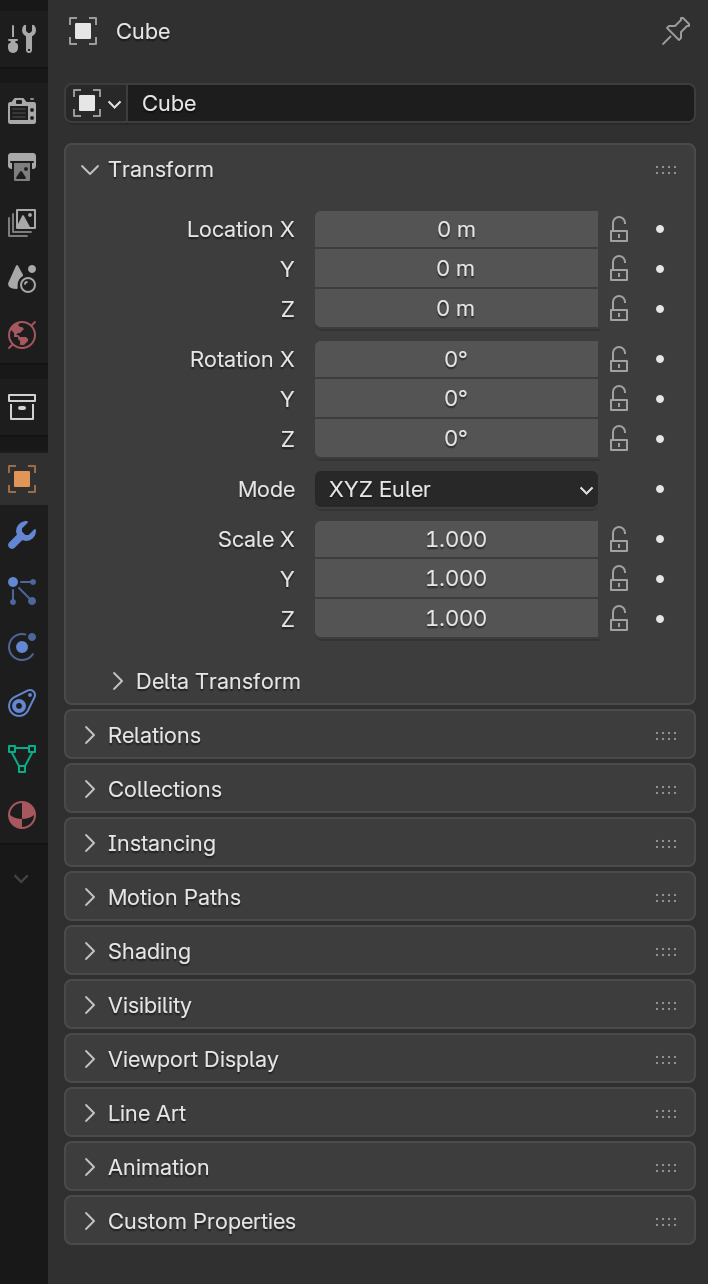
Blender Properties

Settings for colors, lights, camera.

Pro Controls

How to use the mouse

Interact with the mouse drawing to see what each button does 👇

HOVER OVER MOUSE

Interact with the mouse drawing to see what each button does in Blender.

The Three Basic Controls

Hover / Tap Terminal Keys:

G

Move (Grab)

Grab and slide your object.

R

Rotate

Spin your object around.

S

Scale

Make it bigger or smaller.

CONTROLLER DEMO: MOVE TOOL

3D Axes (XYZ)

  • X = Left / Right
  • Y = Front / Back
  • Z = Up / Down
Tip: Press X/Y/Z after G/R/S to 'lock' the direction!

Camera Views (Numpad)

Use the numbers on the right side of the keyboard

1
Front (Y)
3
Right (X)
7
Top (Z)

Object vs Edit Mode

Two different realms for editing.

Tip: Press Tab to quick switch.

Object Mode

Control the object as a whole solid piece.

What can you do?

  • 👉 Move (G), Rotate (R), Scale (S).
  • 👉 Copy paste (Duplicate).
  • 👉 Delete it entirely.

Edit Mode

Change the structure (geometry). You can pull its parts.

Select using (1, 2, 3):

Point

(Vertices)

Line

(Edges)

Face

(Surfaces)

MODE DEMO: OBJECT MODE

Competency Test

Q: 1/10

Loading...

Database (Offline)

Student records are saved locally.

Name / ID Score Time
Loading data...